Beautifully Crafted Content

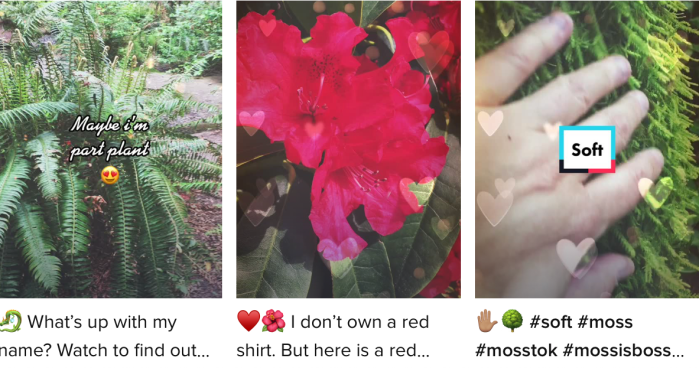
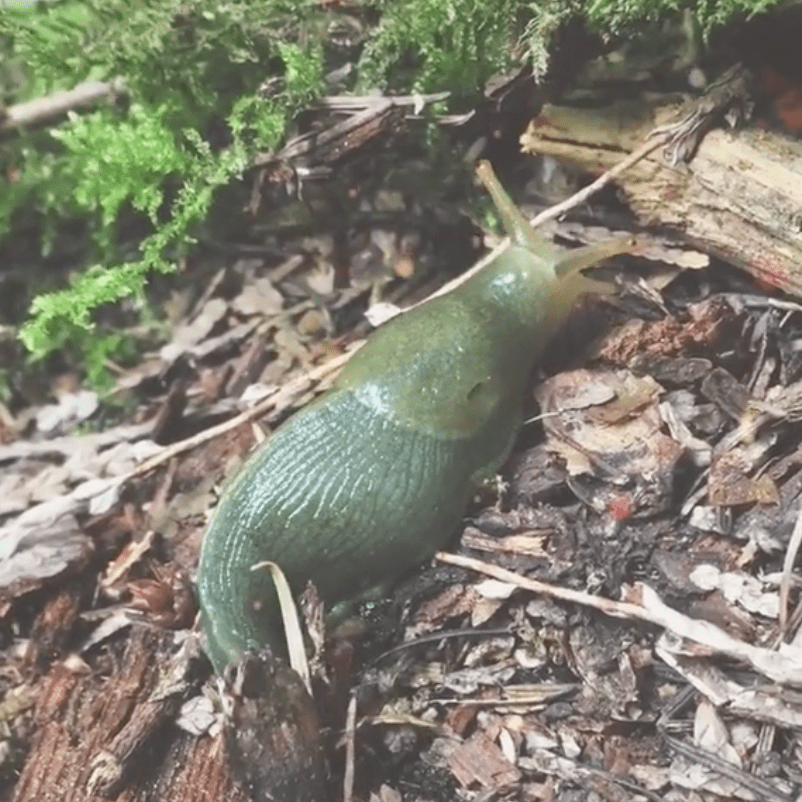
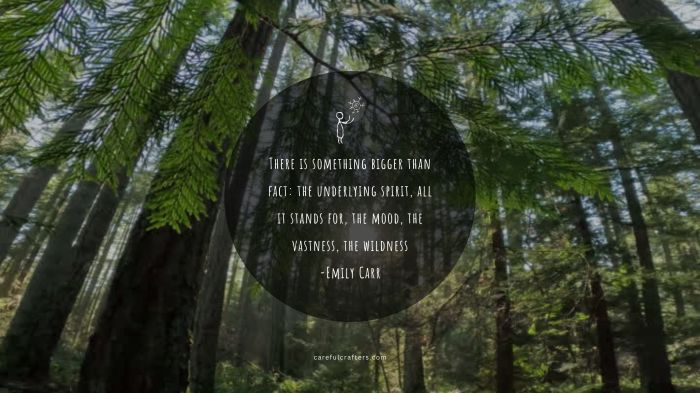
Simple yet eye catching moving and still images can be produced in Canva. There, you can select a variety of sizes and formats for your different social media platforms. Here I have created two versions of two images: one as a motion gif (since my WordPress plan doesn’t support video) and the other as a static jpeg. These are produced to be shared on LinkedIn and Instagram, as they support square formats. Along with various graphical formats, Canva also provides a link to the external file that can be viewed by anyone such as this one. Reach out to me if you would like to learn how to harness the power of Canva for your project needs or would like content produced for your company or eLearning project. I work with the professional paid version and have access to 10’s of thousands of images and graphics. I also produce my own original images and video as seen below. Please wait a moment for the page to load.

TikTok Video Challenge

Make 5 tiktok videos & have fun!

Did you know that video has become the #1 media format consumed on the Internet today? And with almost 700 million users on TikTok spending at least 1 hour a day on the platform, means it’s the perfect time to get in on the action, and it’s never been so fun and easy!

The following video exercises are designed to acquaint you with the tools on TikTok. Each video should be 30 seconds or less and must contain your own video footage stored on your smartphone.

Before we begin, please create an account with a user name through ‘edit profile’ settings. I will provide a short introduction to TikTok’s environment and community ethics.

Videos:

  1. Inspirational: Upload a video clip, add soundtrack, text, title, description, tags.
  2. Music Video: Clips synced with a soundtrack, add effects, filter, title, description, tags.
  3. Educational: Selfie green screen filter, add soundtrack, effects, title, description, tags.
  4. VoiceOver: Clip(s) and features from above, add title, description, tags.
  5. Collaborative: Duet or stitch a video, add sticker, title, description, tags.
  6. Bonus! Filter Face: Use any selfie face filter, add soundtrack, title, description, tags.

Prerequisites: Some computer navigation and smartphone camera experience.

Requirements: You will need a smartphone with camera accessibility and your video clips situated on your smartphone.

Disclaimer: I am not personally responsible for any of the impacts you incur with your TikTok account, be it negative 😦 or positive 🙂